Theory
•
5 mins
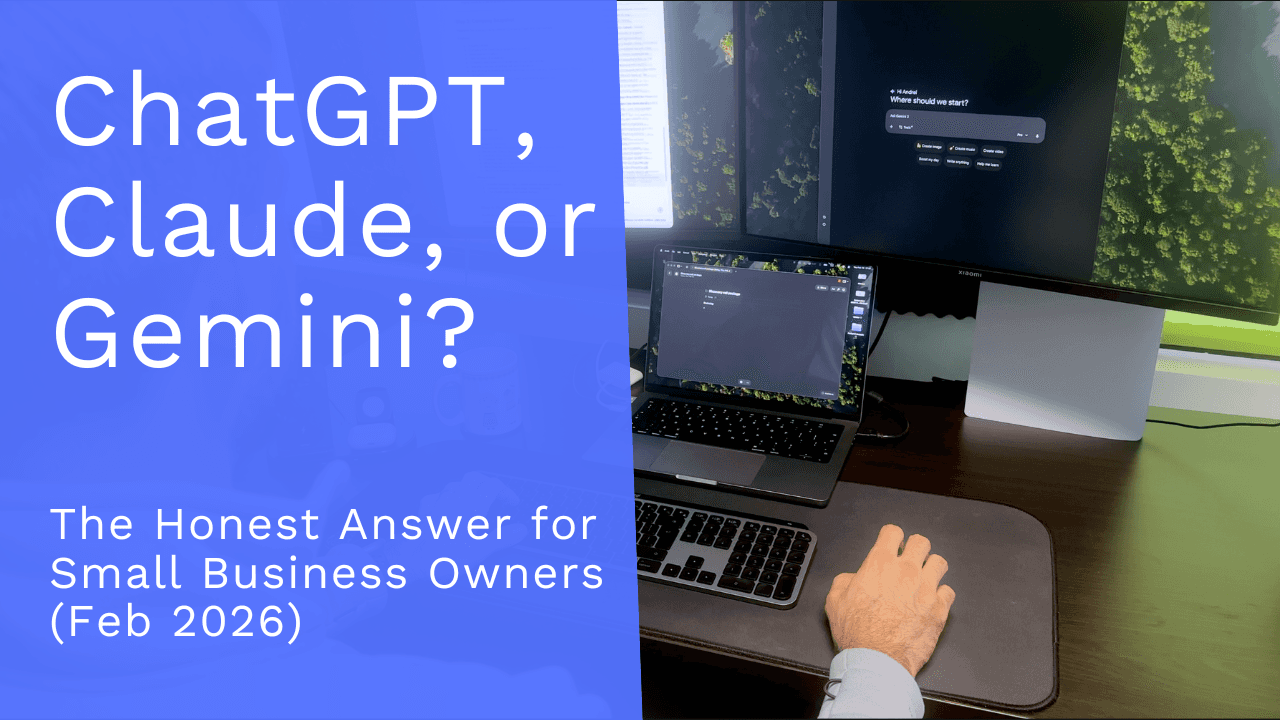
ChatGPT, Claude, or Gemini? The Honest Answer for Small Business Owners (Feb 2026)
I spent the last month using all three AI platforms throughout my workday, and I want to share when to use the most popular 3 LLMs.
Every other week, one of the big AI platforms drops an update and the internet explodes with the same breathless headlines. "Gemini just killed Claude." "Claude destroyed ChatGPT." "ChatGPT outsmarted them all." The hype cycle never stops spinning.
But here's the thing: if you're running a small business, you don't have time for hype. You need to know which tool actually helps you get work done.
I spent the last month using all three AI platforms throughout my workday, and I'll be honest: the results were surprisingly similar across the board. These tools have converged more than most people realize. But each one still has a sweet spot, and if I had to assign roles, here's exactly how I'd divide the work.
ChatGPT: Your New Search Engine
ChatGPT has become my go-to for quick, one-off questions, the kind of thing you used to type into Google. Need to know which tool can replace your AI note-taker? Ask ChatGPT. Trying to figure out how to change the frame rate in DaVinci Resolve? ChatGPT. Its answers tend to be clear, intuitive, and they get to the point fast.
The rule of thumb I use is simple: is this a one-off task I need to get done right now? If the answer is yes, I'm reaching for OpenAI's tool. It's fast, it's direct, and it doesn't overcomplicate things.
Gemini: The Best Pick If You Live in Google's Ecosystem
Gemini gradually replaced ChatGPT as my daily driver, and the reason comes down to one word: integration. If your business runs on Gmail, Google Docs, Google Calendar, and Drive (like most small businesses do) Gemini fits into your workflow in a way the others simply can't match right now.
I find myself turning to Gemini throughout the day for drafting email replies, summarizing documents, pulling together meeting notes, and tackling more complex research projects. It's not just about the AI being smart - it's about the AI being right there, inside the tools you're already using.
Even in my personal life, Gemini has carved out a spot. Its image generation capabilities have impressed me more than I expected. I've used it to edit photos and even to visualize home renovation ideas… which, if nothing else, saved me from some questionable design choices before I committed to them.
Claude: The Brain Behind the Big Projects
Claude is where I go when the task is long, nuanced, and demands real depth. Since I started this comparison, I've been consistently surprised by the quality of Claude's output on complex work.
I've used Claude for writing SOPs and business documents, analyzing folders full of hundreds of pages of documents, planning projects, working through tough decisions, rebuilding my website, and even cleaning up parts of my computer. When you need an AI that can hold context over a long, multi-step task and produce thoughtful output, Claude is the one.
The one downside? You burn through your usage quota fast. Claude's limits are tighter than the others, which is exactly why I don't use it for everything - I save it for the work that matters most and rely on the other two for the rest.
So How Should You Set Up Your AI Stack?
Here's the good news: you don't need to pay for all three. If you're only going to subscribe to one, I'd recommend Claude. It handles the high-value, complex work that actually moves your business forward.
Then use the free tiers of ChatGPT and Gemini for the smaller stuff: quick searches, email drafts, and day-to-day tasks. You get the best of all three worlds without tripling your software spend.
The AI landscape will keep shifting, and next month's benchmarks will crown a new winner. But right now, in early 2026, this is the setup that's actually working for me. And I'd bet it'll work for your business too.