Theory
•
5 mins
What to know before using Moltbot
Clawdbot (or Moltbot, depending on who you ask) is the new AI bombshell that's had the internet buzzing this week. Want to use it? Be cautious!
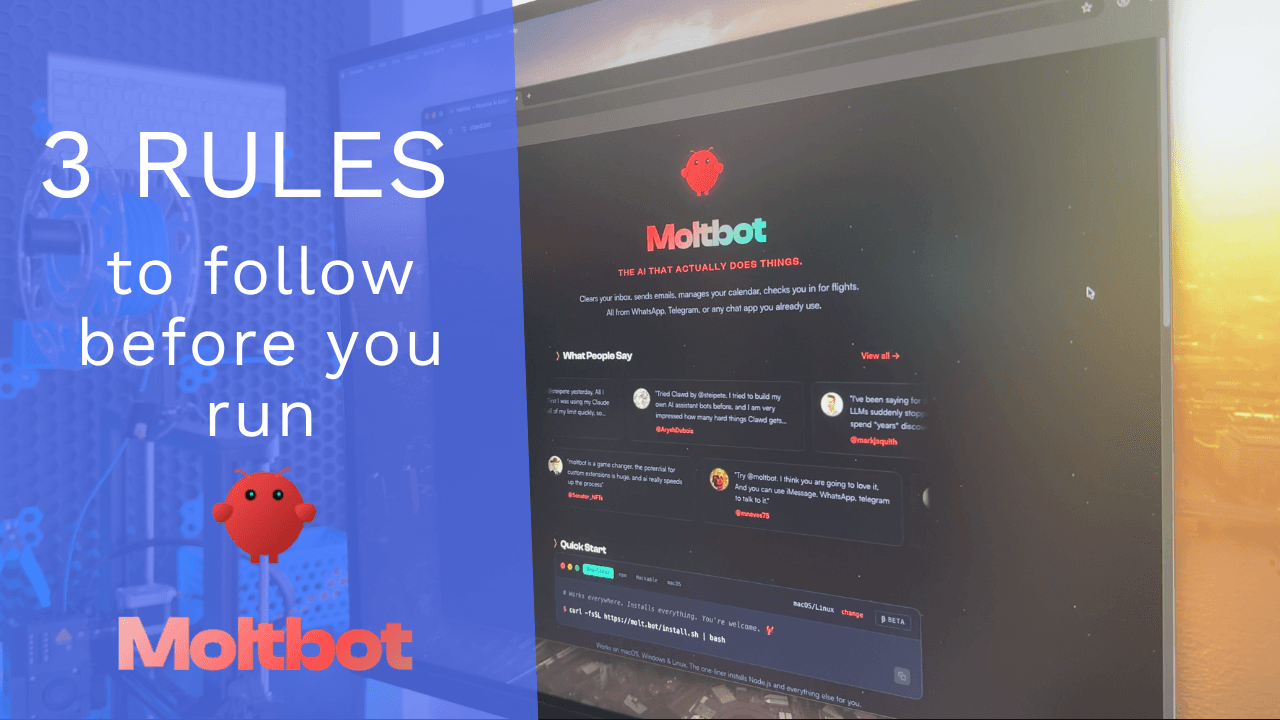
Clawdbot (or Moltbot, depending on who you ask) is the new AI bombshell that's had the internet buzzing this week.
Claude's new "computer use" capability (where the AI can control your mouse, keyboard, and applications) feels like science fiction. The demos are impressive. The hype is real.
But here's the question nobody's asking: Should you actually use this in your business?
Let's leave the features and hype on pause for a second and talk about what matters: whether this tool is ready for real work.
It's Easy to Confuse 'Shiny' with 'Useful'
I've been working with automation tools for over a decade, and I've seen this pattern repeat itself dozens of times:
Groundbreaking new AI tool launches
Tech Twitter goes wild with demos
Business owners ask "Should I be using this?"
Six months later, most people have quietly abandoned it
Why? Because experimental features make for great Twitter demos, but they don't always make for reliable business tools.
That doesn't mean you shouldn't try new technology. But before you let an AI agent loose on your computer and your business, follow these three rules.
Rule #1: Expect Instability
This is experimental code. That means it will break.
If it breaks 1% of the time, expect 1% of the things it does to be buggy. And here's the kicker: finding that bug might cost you more time than the speed it promises.
What This Looks Like in Practice:
You task the AI with filling out a form in your CRM. It works perfectly 99 times. On the 100th time, it enters data in the wrong fields—and you don't notice until a client calls confused about their invoice.
Now you're spending an hour fixing the error, auditing the other 99 entries to make sure they're correct, and apologizing to the client.
The math doesn't work: You saved 10 minutes on each of 100 tasks (16 hours total), but spent 5 hours fixing the one mistake and the ripple effects it caused.
The Takeaway:
Experimental tools are great for non-critical tasks where mistakes are cheap to fix. They're terrible for anything mission-critical where one error creates cascading problems.
Ask yourself: "What's the worst-case scenario if this breaks?" If the answer makes you uncomfortable, don't automate it yet.
Rule #2: Quarantine It
Security experts are raising the alarm: This technology is highly exploitable.
An AI agent that can control your computer has access to everything on that machine - your files, your passwords, your client data, your banking information.
If someone figures out how to inject malicious instructions into the AI's workflow (and they will try), you've essentially given an attacker the keys to your entire business.
What You Should Do:
Don't run this on your main machine. Use a sandbox environment or a secondary device—maybe an old Mac Mini or a virtual machine.
Treat it like it's infected.
That means:
No access to production systems
No client data on the machine
No saved passwords or authentication tokens
Limited network access
Is this overkill? Maybe. But when you're dealing with your business operations and client trust, "overkill" is just called "being responsible."
The Takeaway:
If you want to experiment with computer-controlling AI agents, do it in a controlled environment where a security breach won't destroy your business.
Remember: Your clients trust you with their data. Don't risk that trust on experimental technology.
Rule #3: Define the Output
Here's the most important rule: If you can't say "I'm using this to do X," you aren't working: you're playing with a toy.
And playing is fine! I love experimenting with new tools. But don't expect business results from playground activities.
The Problem with "Let's See What This Can Do"
I see business owners waste hours "exploring" new AI tools without a clear goal:
"I'm going to see if Claude can help with my marketing"
"I want to test if this can automate my workflow"
"Let me try using AI for client work"
These aren't goals. They're wandering.
What Clear Goals Look Like:
Compare those vague intentions to these specific objectives:
"I'm using Claude to draft first versions of client proposals, which I'll review and personalize"
"I'm testing if Claude can extract key data from PDF invoices and populate my accounting software"
"I'm using Claude to generate 5 social media post variations from each blog article I write"
See the difference? When you have a clear output defined, you can measure whether the tool actually works. When you're just "exploring," you'll convince yourself you're being productive while accomplishing nothing.
The Takeaway:
Before you start using any new AI tool, complete this sentence: "I'm using [tool] to [specific action] so that [measurable outcome]."
If you can't complete that sentence, you're not ready to use the tool yet.
Experimental AI is Fun. Reliable Automation Pays the Bills.
Look, I get it. New technology is exciting. The demos are impressive. The possibilities feel endless.
But here's what actually matters for your business: scalable, reliable automation.
The kind of automation that:
Works the same way every time
Doesn't require constant babysitting
Won't randomly break and cost you a client
Can be handed off to a team member
Actually saves you time instead of creating new problems
That's what pays the bills.
Experimental features? They're fun to play with. They help you stay ahead of the curve. They might even become reliable tools in 6-12 months.
But they're not ready to run your business. Not yet.
So Should You Try Moltbot/Clawdbot?
If you want to experiment: Go wild! Set up a sandbox environment, define some clear test cases, and see what it can do. Learn the technology now so you're ready when it matures.
But don't deploy it in your business operations without being extremely careful.
The gap between "cool demo" and "reliable business tool" is bigger than most people think. And crossing that gap without following the rules above is how you end up with broken systems, security vulnerabilities, and angry clients.
The Smarter Approach to Business Automation
Instead of chasing every shiny new tool, focus on building reliable systems with proven technology:
Document your processes first - You can't automate what you haven't defined
Start with stable tools - Use technology that's been battle-tested
Automate incrementally - One process at a time, with proper testing
Keep humans in the loop - For quality control and edge cases
Experiment in parallel - Test new tools on the side without risking production
This approach is less exciting than "AI agent takes over my computer!" But it actually works. And in business, "actually works" beats "exciting" every time.
The Bottom Line
New AI capabilities are advancing faster than ever. Claude's computer use feature is genuinely impressive technology.
But impressive doesn't mean ready for business-critical tasks.
Follow the three rules:
Expect instability and plan accordingly
Quarantine experimental tools from production systems
Define clear outputs before you start
And remember: Your business should run on systems that work, not toys that impress Twitter.